Sync Radio Stations Between Android and Windows
One account key. No email, no password, no separate setup per device.
RadioPit doesn't use traditional accounts. Instead, a single random account key — generated when you first sign up — is your account. Enter that same key on the Android app, the Windows app, or another browser, and your stations and playlists appear there too.
Steps
-
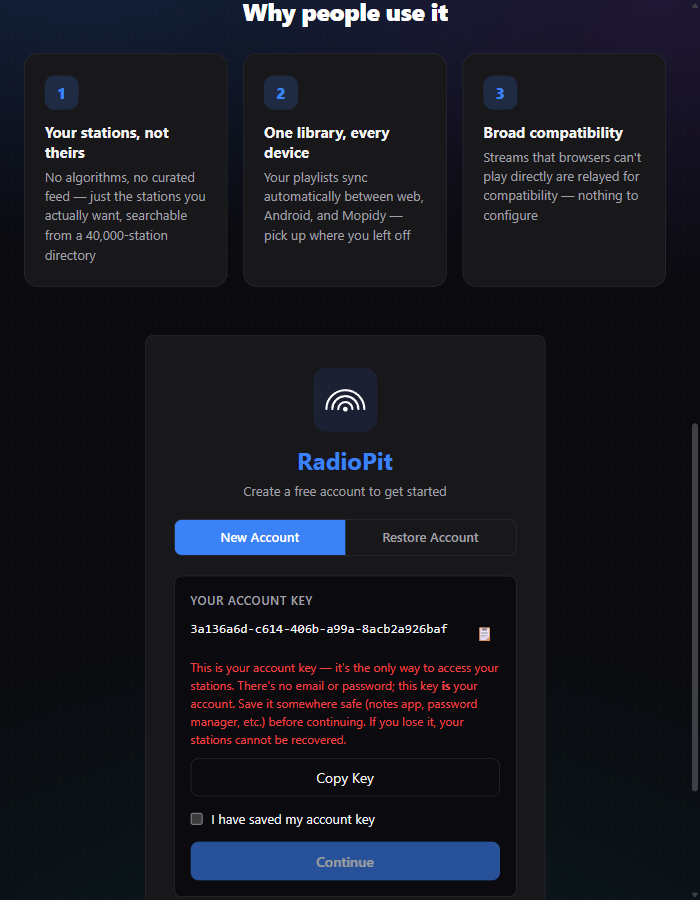
On your first device (web, Android, or Windows), create a free account. You're shown a one-time account key and a "Copy Key" button — save it in a password manager or notes app before continuing. There's no way to recover it if it's lost, since there's no email attached to it.
-
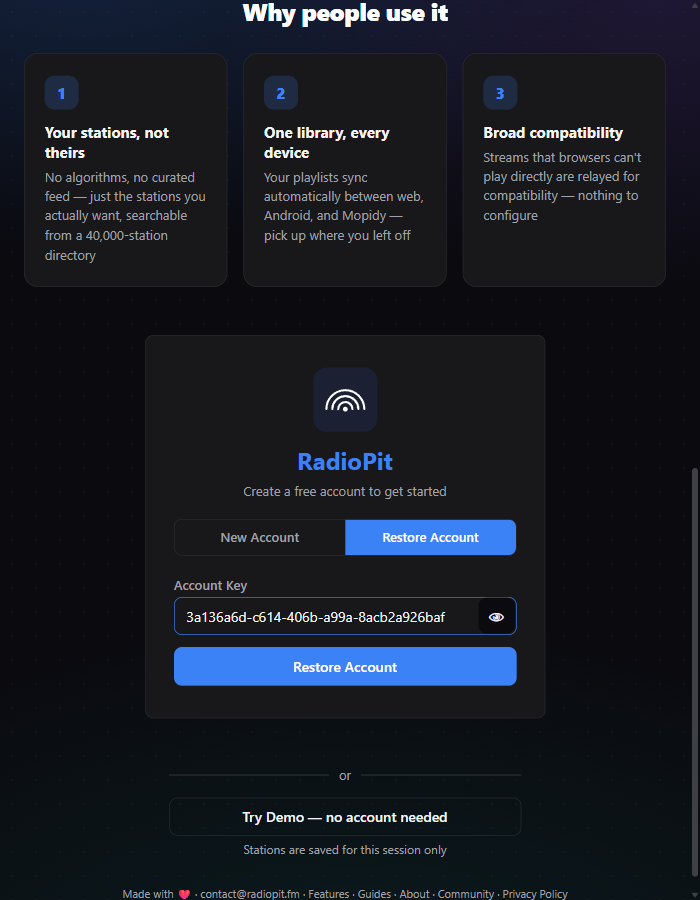
On your second device, open RadioPit and choose "Restore Account" instead of creating a new one. Paste the same key.
-
That's it. The same stations and playlists load immediately — the same restore flow works whether the "other device" is Android, Windows, or another browser, since it's the same account either way.
What stays in sync, and when
Stations, playlists, and their order are tied to your account key and sync over a live connection: adding, removing or reordering a station on one device updates any other open, signed-in device within moments, without a manual refresh. A device that isn't open at the time simply loads the current library the next time it starts.
The equalizer settings and playback volume are the exception — those live in each device's local storage, not your account, so they're set independently per device.
Finding your account key again later
Open the ⋮ menu in the header and click "Copy Account Key" — it's in the same place on every platform, since it's the same app underneath.
Create an account and get your key — it takes ten seconds.
Open RadioPit