Set Up Internet Radio on Mopidy
Browse and play your RadioPit library from a home server or Raspberry Pi.
Mopidy is an extensible music server commonly run on a Raspberry Pi or home server, controlled from clients like Iris, MPDroid or ncmpcpp. Mopidy-RadioPit is an extension that exposes your RadioPit playlists and stations as browsable folders inside any of those clients.
Steps
-
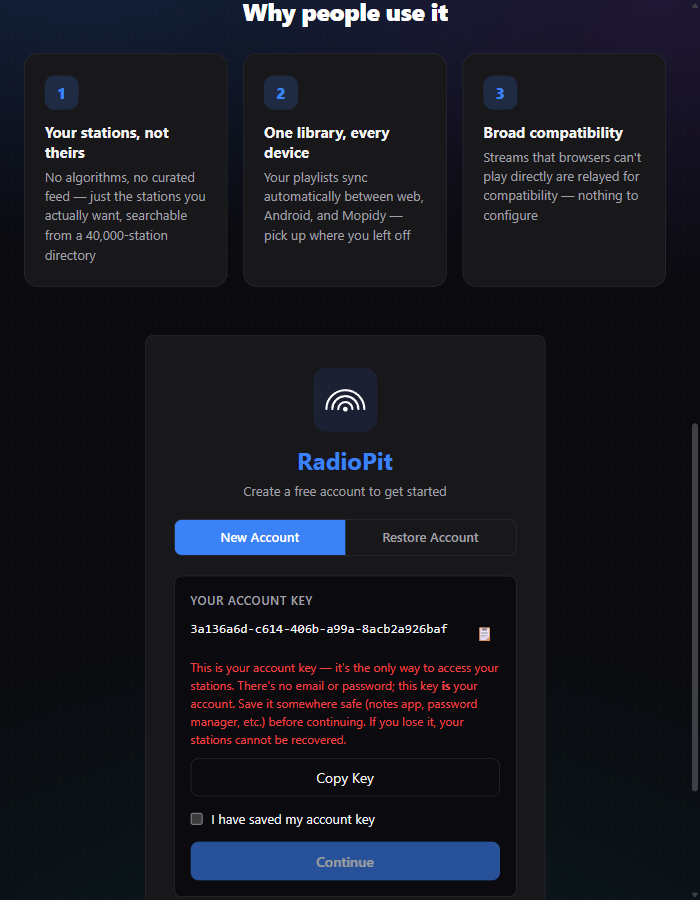
Get your RadioPit account key. Open the ⋮ menu in RadioPit's header and click "Copy Account Key" (or copy it from the box shown when you first created your account).
-
Install the extension on the machine running Mopidy:
pip install Mopidy-RadioPitOn newer Raspberry Pi OS / Debian systems where
piprefuses to install system-wide, use:sudo python3 -m pip install --break-system-packages mopidy-radiopit -
Add a
[radiopit]section tomopidy.conf, using the account key from step 1:[radiopit] enabled = true api_key = YOUR_ACCOUNT_KEY_HERE api_url = https://api.radiopit.fm -
Restart Mopidy (
sudo systemctl restart mopidyif it's running as a service). -
Browse to RadioPit in any Mopidy client — Iris, MPDroid, ncmpcpp, etc. Your playlists appear as folders, and the stations inside each one are ready to play.
Requirements
- Python 3.9 or newer
- Mopidy 3.0 or newer
- Pykka 2.0+ and requests 2.0+ (installed automatically as dependencies)
For troubleshooting or to report an issue, see the extension's repository or its listing on mopidy.com/ext/radiopit.
Don't have a RadioPit account yet? It takes ten seconds and you'll need the key either way.
Open RadioPit